
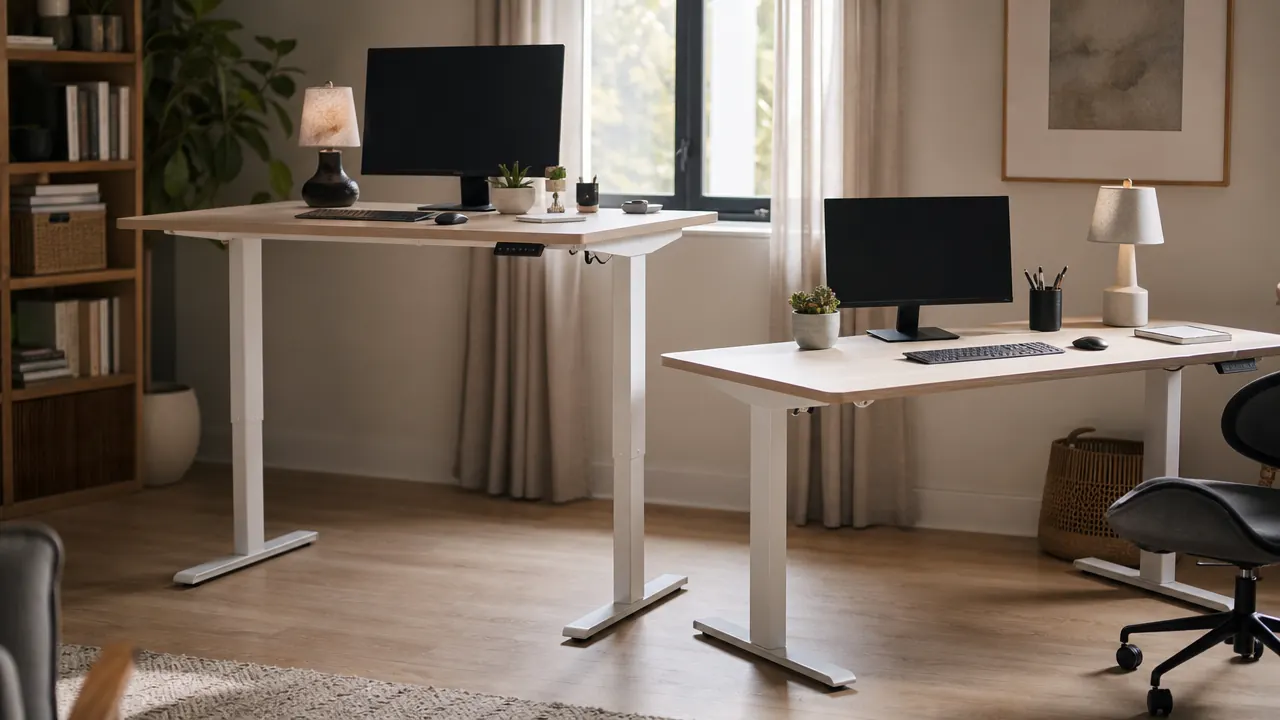
I spent three weeks researching electric standing desks before I bought the ErGear. The FlexiSpot E7 was on my shortlist the entire time. Every desk forum mentioned it, the review counts were high, and the specs looked strong. But the price was more than double what the ErGear was listing for, and I could not figure out what exactly I was paying for. So I went with the ErGear, set it up in my home office, and used it through six months of evening charting shifts and remote work days. Now I can tell you what the price difference actually buys you and whether it matters for a typical home office.
Short answer: for most people working from home, the ErGear is good enough and the FlexiSpot E7 is a meaningful upgrade only if you have a specific need it addresses. Below is the full breakdown.
| Feature | ErGear (B0B422BBHT) | FlexiSpot E7 |
|---|---|---|
| Price | Mid-range pricing | Premium price point |
| Surface Size | 48 x 24 inches | 55 x 24 inches (most configs) |
| Height Range | 28 – 47.6 inches | 22.8 – 48.4 inches |
| Motor Type | Dual motor | Dual motor |
| Weight Capacity | 176 lbs | 355 lbs |
| Memory Presets | 4 presets | 3 presets (some models 4) |
| Anti-Collision | Yes | Yes |
| Warranty | 3 years (motor + frame) | 5 years (frame), 3 years (motor) |
| Assembly Difficulty | Moderate (~45 min) | Moderate (~60 min) |
| Amazon Reviews | 11,000+ | Not on Amazon (brand website / third-party) |
Where the ErGear Wins
The clearest ErGear advantage is price. At the lower end of the range, it lands in a category where there is very little competition with dual motors and memory presets. Most desks at that price point use a single motor that strains under a full monitor setup. The ErGear's dual-motor lift feels smooth with a monitor, laptop stand, and keyboard all on the surface. Over six months of daily raising and lowering, I have not heard any grinding or speed variation. The motor simply does its job.
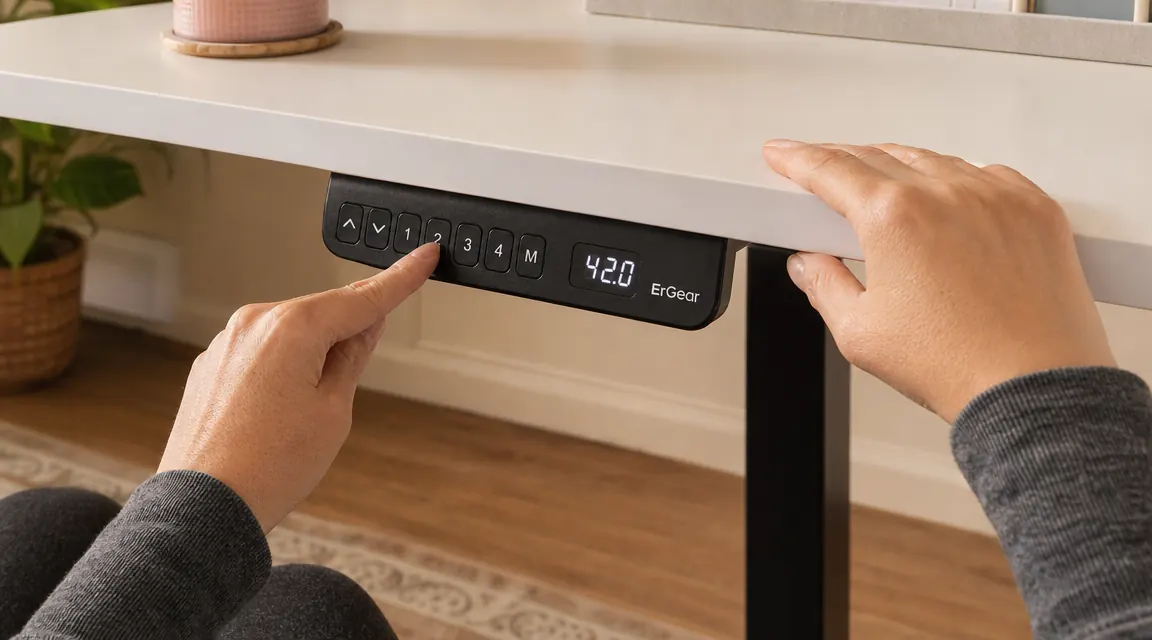
The four memory presets are also genuinely useful. I have mine set to 28.5 inches (sitting), 43 inches (standing), 36 inches (a middle height I use for certain video calls), and one spare. Recalling a height is a one-button press that takes about eight seconds. That ease of use is the whole reason a sit-stand desk actually changes your habits. If switching heights is annoying, you stop doing it. The ErGear makes it frictionless.
Build quality at this price is better than it looks in photos. The steel legs are thicker than the single-motor budget desks, and the cross-support bar running between the rear legs adds meaningful stability. At standing height (43 inches for me), I get minor wobble when I type aggressively, but nothing that shifts a cup of water. It is the kind of sway that you notice once and then stop noticing. The surface laminate has held up fine through six months of a keyboard, two monitors on a stand, and a mug that occasionally gets set down hard.
Where the FlexiSpot E7 Wins
The FlexiSpot E7's 355-pound weight capacity is not just a spec for heavy users. Higher rated weight capacity usually correlates with thicker steel in the leg frame, which translates to less wobble at standing height. If you run dual monitors, a monitor arm, a docking station, and a desktop PC on the same surface, the E7 handles that without flex. The ErGear starts to feel less confident above 100 pounds of combined load, which is enough for most setups but not all.
The low end of the FlexiSpot E7's height range, at 22.8 inches, also matters for shorter users. If you are 5'2" or under, sitting at a desk set to 28 inches with your arms bent correctly still puts your wrists at a suboptimal angle depending on your chair. The E7 goes nearly six inches lower than the ErGear's floor of 28 inches. That difference is real ergonomic value for petite users. The five-year frame warranty is also longer, which matters if you plan to keep the desk for a decade. For the average remote worker who buys a desk and replaces it in four or five years, the three-year ErGear warranty is fine.
ErGear at its current price is hard to argue with for most home offices.
Dual motors, four memory presets, 11,000 reviews, and a 3-year warranty at a competitive price. Check current availability on Amazon before the price changes.
Amazon Check Today's Price on Amazon →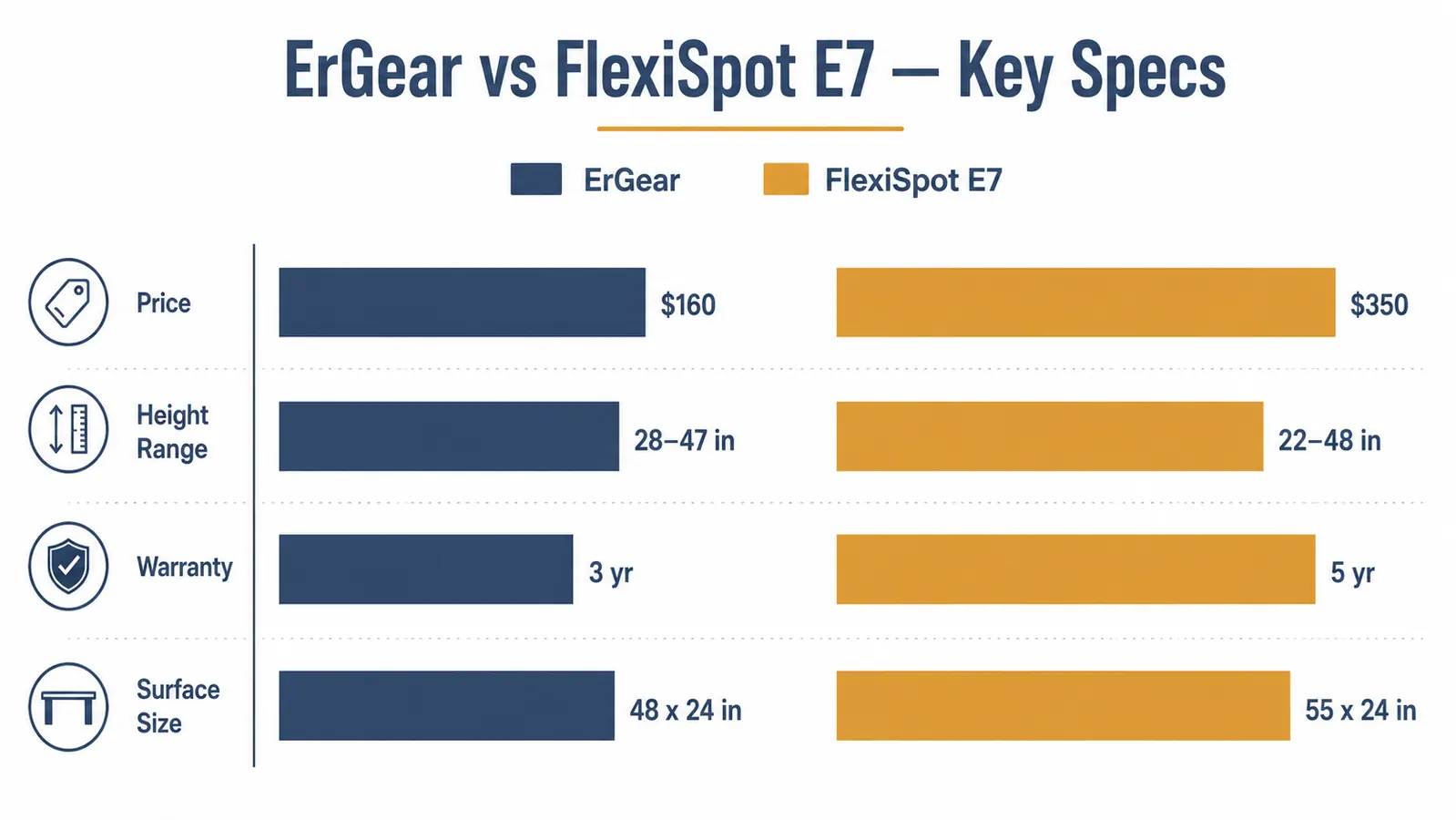
Motor Noise: Closer Than You Expect
One place where the ErGear holds its own against the E7 is motor noise. Standing desk forums often describe budget motors as whiny or grinding, but the ErGear's dual motor system is quiet enough that I use it during video calls without anyone commenting. Measured against the E7 in side-by-side YouTube comparisons (I watched several before buying), the sound profiles are genuinely similar. Both are in the low hum range, not the industrial buzz you hear from very cheap single-motor desks. If you work in a shared space or have kids sleeping nearby in the evening, neither desk is going to be a problem.
The ErGear's motor is quiet enough to raise during a video call. I have done it mid-meeting. Nobody noticed.
Surface Size and Material
The ErGear comes in a 48 x 24 inch surface, which is the most common home office size. It fits a 27-inch monitor, a laptop to the side, a keyboard, and a mouse with room left over. If you run dual monitors side by side without a monitor arm, 48 inches starts to feel tight. The FlexiSpot E7's standard configuration in most stores is 55 x 24 inches or larger, which is a comfortable dual-monitor width without a monitor arm.
The laminate surface on the ErGear feels smooth and has not shown visible scratches from normal use. It is not the soft-touch coating you get on premium desks, but it is comparable to IKEA LINNMON-grade material, which most home office workers find perfectly adequate. The FlexiSpot E7 surface options vary depending on which retailer and configuration you buy, so that comparison is harder to make cleanly. Some FlexiSpot configurations have thicker, more scratch-resistant surfaces. Others are comparable to the ErGear.

Assembly Experience
Assembly on the ErGear took me about 45 minutes working alone. The instructions are adequate, not great. The leg frame bolts together before the top attaches, and you need a second pair of hands for the final step of flipping the whole thing upright. I used a chair to prop one side and it worked fine solo, but I would recommend asking someone to help for that one step. The anti-collision sensor calibration after assembly is a five-minute process that the manual walks through clearly. You hold a button, the desk lowers to its floor position, then rises to confirm the range. Then it saves.
FlexiSpot E7 assembly is reported to take closer to 60 minutes and benefits from two people for the same flip step. The instructions are generally praised as better than most standing desk brands. If assembly ease is your deciding factor, both desks are in the same tier, slightly frustrating if you are doing it alone, fine if you have help.
Who Should Buy Which
Buy the ErGear if you have a single monitor or a monitor on an arm, you are 5'3" or taller, your total desktop load (gear plus everything on the surface) stays under 120 pounds, and you want to try sit-stand working without a large upfront investment. The ErGear covers that profile completely and leaves money for an ergonomic chair or a monitor arm.
Consider the FlexiSpot E7 if you run dual large monitors without an arm, you are shorter than 5'3" and need the lower minimum height, you plan to load the desk heavily with desktop PC equipment, or you want a longer frame warranty and plan to keep the desk for the better part of a decade. The E7's improvements are real, they just require a specific situation to justify the premium.
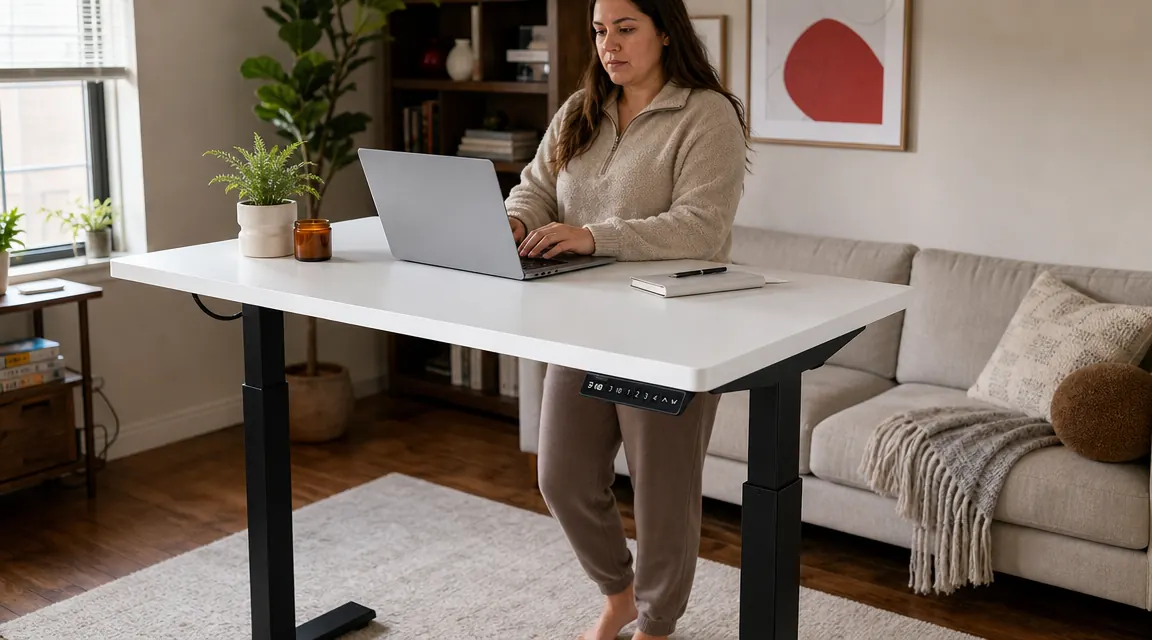
For Maria's setup, and for most nurses and remote workers charting or working from a home corner office, the ErGear covers everything needed. One monitor or a laptop plus monitor, a keyboard and mouse, maybe a mug and a notebook. That load is well inside what the ErGear handles without complaint. The money saved goes toward a better chair, which for back pain is almost always the higher-priority purchase anyway.
Long-Term Reliability: What Six Months Tells You
Six months is not ten years. But it is enough time to know whether a motor degrades, whether the surface laminate bubbles, and whether the memory presets drift. On all three counts, the ErGear has been consistent. The presets save to within a quarter inch of their original setting every time. The surface shows no bubbling or delamination at the edges. The motor sounds the same as it did on day one. I lower and raise the desk two to four times per day, which works out to roughly 400 to 700 cycles over six months. The 3-year warranty should cover double that comfortably, and the frame is built to last longer than the motor anyway.
I cannot speak to the FlexiSpot E7 from personal long-term use, but its reputation across standing desk communities is strong. It has been a popular option for several years, and owner reports of motor failure are uncommon. If reliability is your primary concern, both desks are trustworthy choices. The ErGear is simply the one I can verify directly.
The Verdict
The ErGear wins this comparison for most home office buyers because the gap in performance does not match the gap in price. The FlexiSpot E7 is a genuinely better desk in specific, measurable ways: lower minimum height, higher weight capacity, larger default surface, longer frame warranty. But for the single-monitor home office worker who wants to start standing more during the day, none of those advantages are decisive. The ErGear's dual motors, four memory presets, and 11,000 verified reviews at a budget price make it one of the best-value electric standing desks available right now.
Ready to stop sitting through every shift? The ErGear is where most home offices should start.
Affordable, dual motors, four memory presets, and a 3-year warranty. Check today's price on Amazon and see if it fits your desk space.
Amazon Check Today's Price on Amazon →